How to Choose a Barcode Printer for Hospital — Complete Buying Guide
Hospitals rely heavily on barcode printing for patient safety, medication tracking, laboratory samples, wristbands, asset management, and pharmacy labeling. Choosing the right barcode printer is critical because a wrong printer can lead to label fading, scanning errors, workflow delays, or compliance issues.
This guide explains how hospitals should select the best barcode printer based on real healthcare requirements.
Why Hospitals Need Specialized Barcode Printers

Hospitals require barcode printers that can handle:
Patient wristbands
Lab sample labels
Pharmacy medicine labels
Blood bank tags
Asset tracking labels
Sterilization labels
Unlike retail printers, healthcare printers must produce durable, legible, and smudge-proof labels that remain readable in disinfected, refrigerated, or sterilized environments.
Key Factors to Consider Before Buying
1. Print Technology — Direct Thermal vs Thermal Transfer
Direct Thermal: Best for short-term labels like patient IDs or lab samples.
Thermal Transfer: Required for long-lasting labels like equipment tags or pharmacy stock.
Recommendation:
Hospitals should choose printers supporting both modes for flexibility.
2. Print Resolution (DPI)
| DPI | Best Use |
|---|---|
| 203 dpi | Wristbands & general labels |
| 300 dpi | Small pharmacy labels |
| 600 dpi | Micro labels & lab samples |
Higher resolution ensures barcodes scan accurately, especially small labels.
3. Label Durability Requirements
Hospital labels must withstand:
Alcohol cleaning
Moisture
Cold storage
Chemicals
Choose printers compatible with:
Synthetic labels
Medical-grade wristbands
Resin ribbons for durability
4. Print Volume
| Volume | Recommended Printer Type |
|---|---|
| Low (<500/day) | Desktop printer |
| Medium (500–3000/day) | Mid-range printer |
| High (>3000/day) | Industrial printer |
5. Connectivity Options
Hospitals use integrated software systems like HIS, LIS, and ERP. Your printer should support:
USB
Ethernet
Wi-Fi
Bluetooth
Network printing
6. Ease of Maintenance
Hospital IT teams prefer printers that offer:
Tool-free printhead replacement
Simple ribbon loading
Easy cleaning
Long life printheads
Recommended Printer Types for Hospitals
Desktop Healthcare Printers
.jpg)
Best for:
Nursing stations
Labs
Pharmacy counters
Reception desks
Industrial Barcode Printers
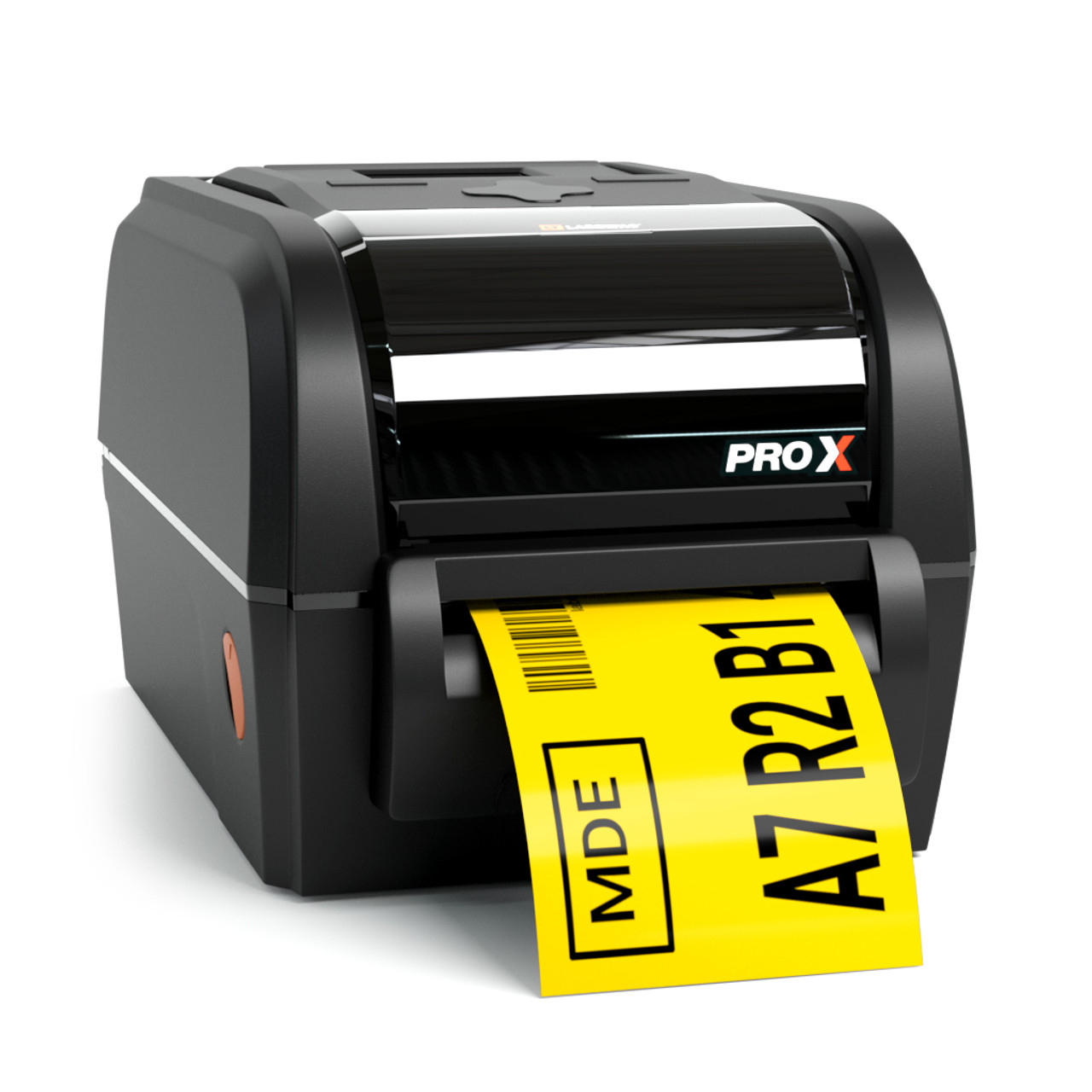
Best for:
Central labeling rooms
Warehouse inventory
Bulk printing
Zebra vs TSC for Hospital Use — Quick Advice
Choose Zebra if your hospital needs enterprise reliability and heavy usage.
Choose TSC if you want affordable printers with stable performance.
Both brands support healthcare labeling when paired with correct labels and ribbons.
Common Mistakes Hospitals Make When Buying Printers
Avoid these errors:
Buying retail printers for medical use
Ignoring label material compatibility
Choosing low DPI for small labels
Not checking software integration support
Buying without technical support
Why Hospitals Trust Mindware for Barcode Solutions
Mindware provides complete hospital barcode printing solutions — not just printers.
Benefits of choosing Mindware
Free installation service
Dedicated in-house technical support team
1 year free technical support
Genuine printers and parts
Barcode label manufacturing
Thermal ribbons supply
Barcode label designing software
End-to-end barcode system setup
Hospitals prefer Mindware because everything is handled by a single expert provider — from hardware to software to consumables.
Contact for Hospital Barcode Printer Consultation
Phone: +91 9810822688 / +91 9717122688
Email: gm@indianbarcode.com
Website: https://shop.tscprintersindia.com
Final Recommendation
The best barcode printer for a hospital depends on:
label type
print volume
durability needs
integration requirements
If you choose correctly, your hospital gains:
faster workflow
accurate patient identification
reduced medical errors
better inventory tracking
No comments:
Post a Comment