TSC TE244 vs TL240 vs TTP-244 Pro vs TE210
Which Barcode Printer Is Right for Your Business?
Choosing the right barcode printer is not only about price. For most businesses, the real question is: which printer gives the best mix of print quality, speed, durability, and daily convenience?
If you are comparing these models, you are already looking at the gold standard of 4-inch desktop barcode printers. Whether it's shipping labels, inventory tags, or product stickers, each of these has a specific strength.
Print Quality
Sharpness for small fonts & barcodes
Print Speed
Optimized for high-volume workflows
Durability
Built for retail & warehouse environments
In this blog, we will break down the practical differences so you can choose the best one for your specific business needs.
Understanding the Main Difference
At first glance, these printers may look very similar because all of them belong to the 4-inch barcode printer segment. But in real business use, the difference comes down to five things:
Generation of the printer
Daily usage capacity
Print speed & efficiency
Ease of operation
Long-term value
That is where the real buying decision happens.
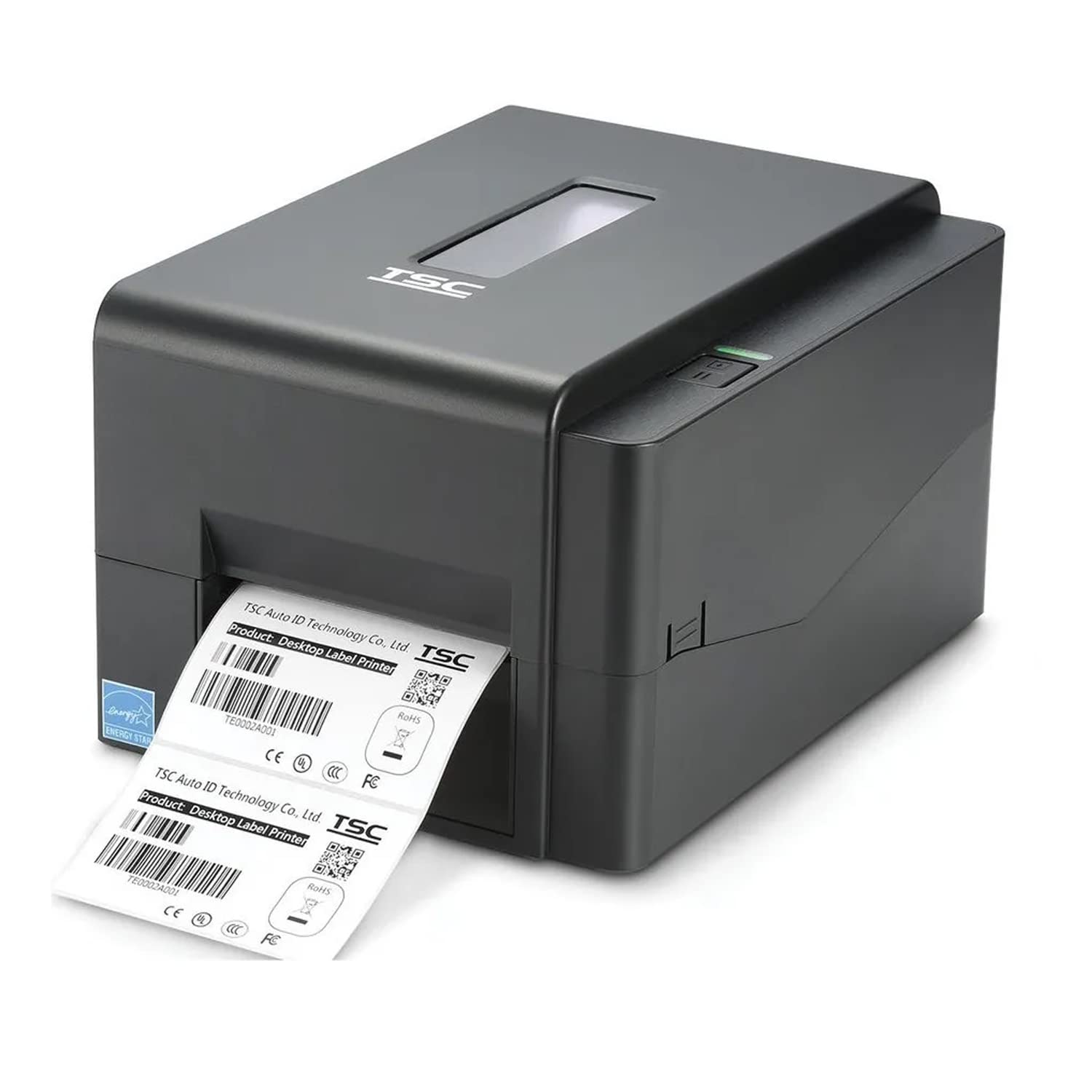
1. TSC TE244: A Smart Modern Option for Growing Businesses
The TSC TE244 is a very practical choice for businesses that want a modern desktop barcode printer without moving into a much higher budget range.
Well-Suited For
- Shipping labels
- Product barcode labels
- Retail shelf labels
- Courier applications
- Small warehouse use
- Pharmacy & healthcare labeling
Best Fit For
- E-commerce sellers
- Retail stores
- Distribution counters
- Small inventory operations
- Businesses upgrading from old printers
Why Choose TE244?
The TE244 is usually preferred by buyers who want a printer that feels updated, efficient, and easy to manage for regular day-to-day label printing. It offers a strong balance between affordability and business usability.
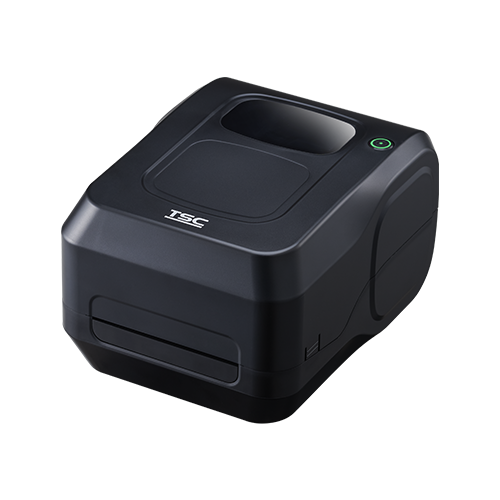
2. TL240: A Budget-Friendly Choice for Basic Label Printing
The TL240 is usually considered by buyers who need a simple and economical barcode printer for routine work.
A Good Option For:
- Basic office label printing
- Product labeling
- Small shop operations
- Moderate daily barcode usage
- Startups looking for an affordable solution
Best Fit For:
- Startups
- Low to medium volume label printing
- Small businesses with limited printer usage
- Businesses buying their first barcode printer
Why Choose TL240?
The TL240 works well when your requirement is straightforward and your daily print volume is not too demanding. It can handle normal barcode label work without pushing the budget too high.
Things to Remember:
If your business is growing fast or you expect continuous daily printing, you may outgrow this category sooner than expected. In that case, TE244 or TE210 may offer better long-term value.
3. TTP-244 Pro: The Proven Workhorse Many Businesses Still Trust
The TTP-244 Pro is one of the most recognized and widely used desktop barcode printers in the market. Even today, many businesses search for it as a dependable option because it has built a strong reputation over the years.
Most Often Chosen For:
- Replacement of an existing TTP-244 Pro setup
- Barcode labels in shops and offices
- Inventory labels
- Packaging labels
- Standard business barcode applications
Best Fit For:
- Users already using TTP-244 Pro
- Businesses replacing older printers with the same model
- Buyers who prefer tried-and-tested machines
- Basic to moderate barcode operations
Why Choose TTP-244 Pro?
Its biggest strength is trust and familiarity. Many users already know how it works, service teams understand it well, and businesses that have used it before often prefer it again for consistency.
Things to Remember:
Compared to newer-generation printers like TE244 and TE210, the TTP-244 Pro is often seen as an older platform. It still does the job well, but if you are buying for future growth, a newer series may make more sense.
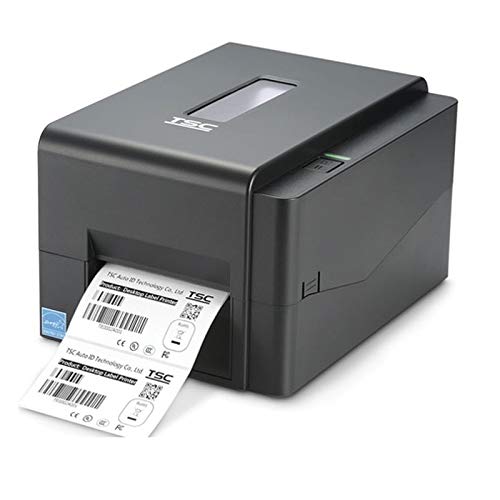
4. TSC TE210: The Best Choice for Regular, Serious Daily Use
If your business prints labels every day and you want a printer that feels more dependable for long-term operations, the TSC TE210 stands out.
Strongest Fit For:
- Warehousing
- Retail chains
- Manufacturing labels
- Inventory tracking
- Courier desks
- Businesses with regular label demand
Best Fit For:
- Businesses with medium to high regular label printing
- Growing operations
- Warehouses and stock rooms
- Retail and supply chain environments
- Users who want a longer-term investment
Why Choose TE210?
The TE210 is generally seen as a more business-focused and durable desktop solution. It is a better choice when you want more confidence in consistent daily printing rather than just basic entry-level use.
TSC TE244 vs TE210 vs TL240
The Smarter Way to Compare Modern Models
If you are planning to buy a 4-inch barcode printer, the smarter search today is not just about older models. More buyers are now directly comparing TSC TE244, TE210, and TL240 because these are the most relevant for current business demands.
Whether it's for shipping, retail, or manufacturing, the decision usually boils down to three critical pillars:
Price
Finding the entry-level sweet spot for your budget.
Speed
Ensuring your workflow stays fast and efficient.
Memory
Smoother processing for complex label designs.
Different businesses have different priorities. Which one are you?
Seeking the Best Price
Needs Faster Speed
Wants Better Memory
Needs Overall Value
In the following sections, we will compare these three in a practical way so you can decide which barcode printer is the better option for your business.
Quick Comparison Table
Technical Specifications At-A-Glance
| Feature | TSC TE244 | TSC TE210 | TL240 |
|---|---|---|---|
| Printer Type | 4-inch desktop | 4-inch desktop | 4-inch desktop |
| Method | DT + Thermal Transfer | DT + Thermal Transfer | DT + Thermal Transfer |
| Resolution | 203 dpi | 203 dpi | 203 dpi |
| Max Print Speed | 6 ips (High Speed) | 6 ips (High Speed) | 4 ips |
| Flash Memory | 8 MB | 8 MB | 4 MB |
| SDRAM | 16 MB | 16 MB | 8 MB |
| Performance Level | Modern balanced option | Strong daily-use option | Budget/basic option |
| Pricing Position | Value for Money | Slightly Higher for Durability | Budget Friendly |
| Best For | Retail, ecommerce, courier, product labels | Warehouse, dispatch, regular daily use | Small shops, startup use, basic printing |
| Main Strength |
Best balance of price + speed + memory
|
Best for regular workload
|
Best for lower budget
|
| Best Buyer Type |
Most Businesses
|
Growing & Daily-Use
|
Entry-Level Buyers
|
Why TE244, TE210, and TL240 Are Better Options Today
These models are becoming more relevant for actual purchase decisions because buyers want more than just basic label printing.
Today, buyers are not only asking for a printer that can simply print labels. They want a model that can deliver:
Better Print Speed
Faster output for busy label environments.
Smoother Data Handling
No lag during continuous batch printing.
Better Memory for QR & Logos
Handles complex label designs easily.
Better Long-Term Value
Invest once, use for years.
Better Pricing by Scale
Right price for the right business size.
If your goal is to choose based on best pricing, speed, and memory, then these three models deserve a direct comparison.
Speed Comparison: Which Printer Is Faster?
Print speed matters a lot when your business prints labels every day.
| Model | Maximum Speed | Speed Advantage |
|---|---|---|
| TE244 | 6 ips | Fast, efficient for regular business use |
| TE210 | 6 ips | Fast and stable for daily operations |
| TL240 | 4 ips | Suitable for basic and lighter workloads |
What This Means In Real Use
TE244 & TE210
These are faster options designed for business users who need consistent speed during daily label operations.
TL240
Fine for basic work, but not the best option if speed is your main priority in daily operations.
Key Insight
For shipping desks, warehouse counters, and ecommerce operations, the difference between 4 ips and 6 ips is very visible in daily output.
🏆 Best Speed Choice
Best Speed + Value
Best Speed + Heavy Use
Basic Speed Option
Price Comparison: Which Printer Fits Your Budget?
Understanding what you pay for and what you get in return is the key to a smart purchase.
Best Price-Based Recommendation
Best Budget Option
Best Value-for-Money
Best Long-Term Investment
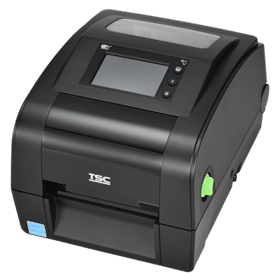
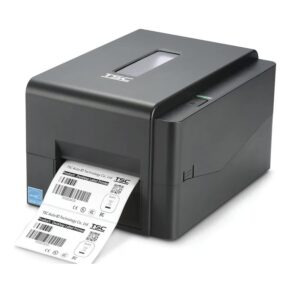
TSC TE210: Best for Regular Daily Use
A strong choice for businesses that print labels consistently and want a printer that feels dependable for ongoing work.
Why TE210 Is a Better Option
Key Advantages
- 6 ips print speed
- 8 MB Flash + 16 MB SDRAM
- Strong performance for regular business printing
- Better suited for continuous use environments
- Good for businesses thinking long term
Best For
- Warehouses
- Dispatch counters
- Inventory teams
- Manufacturing support



.jpg)


