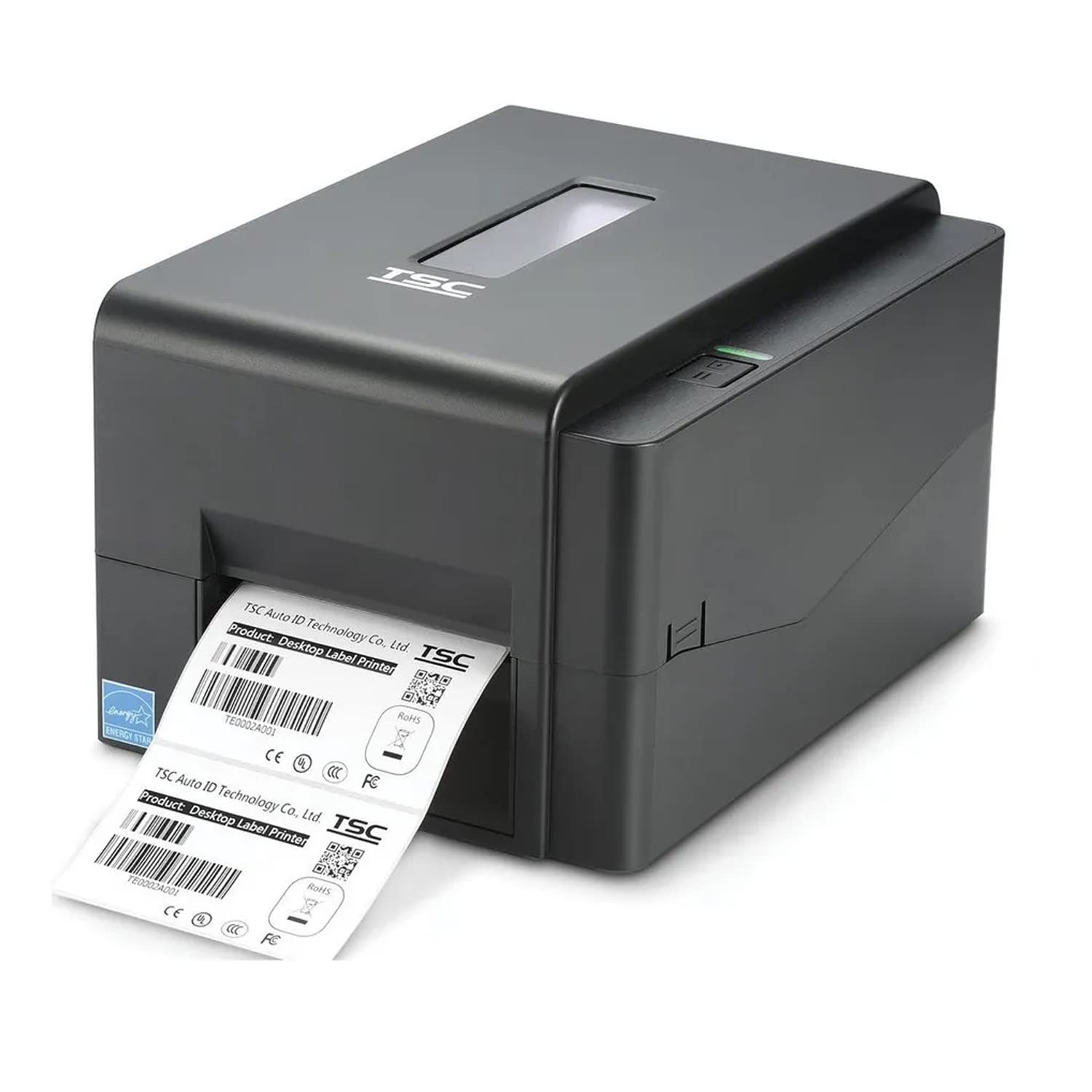
When you buy a barcode printer, one choice affects every label you will ever print: its resolution. Most printers come in 203 dpi or 300 dpi. Buying more than you need costs extra, but buying too little can leave small labels hard to read and barcodes hard to scan.
What dpi means
DPI means dots per inch. It is the number of tiny heating dots the print head has in each inch. A 203 dpi head prints about 8 dots per millimetre, and a 300 dpi head prints about 12. More dots give sharper small text and finer barcodes.
When 203 dpi is enough
- Shipping and courier labels
- Retail price and product labels of normal size
- Warehouse, carton and inventory labels
- Labels with larger text and standard barcodes
Popular 203 dpi desktop models include the TSC TTP 244 Pro.
When to choose 300 dpi
- Very small labels, such as jewellery tags and small component labels
- Small QR codes and high-density barcodes
- Fine print, such as pharma and healthcare details
- Labels with small logos that must look sharp
A simple way to decide
- Take your smallest label and list everything that must fit on it.
- Check the size of your smallest text and barcode.
- Print a sample, and scan it with the scanner your staff will use.
- If the text is hard to read or the barcode scans slowly, consider 300 dpi.
Your print head depends on this choice too
203 dpi and 300 dpi print heads are not interchangeable, so a replacement must match your printer. See every TSC print head, or read how to choose the right one.
Ask Mindware before you buy
Tell us your label size and what must be printed, and our team in New Delhi will suggest a suitable printer, labels and MYNDS brand ribbons.
Call: +91-9717122688
Email: gm@indianbarcode.com
Website: indianbarcodes.in
Shop online: shop.tscprintersindia.com